Configure Action Governance Permissions
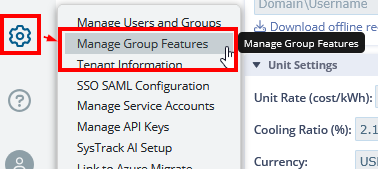
You can set up permissions related to Action Governance in Settings > Manage Group Permissions:
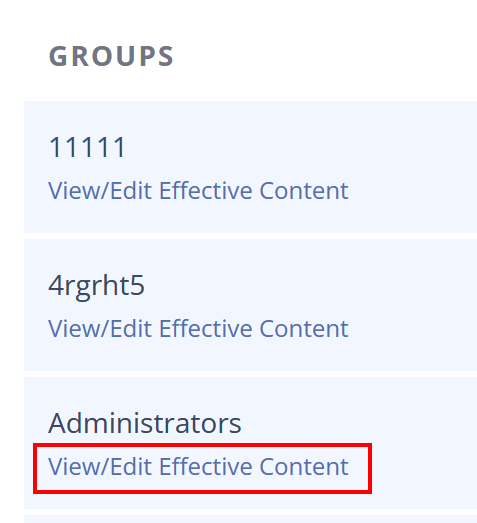
In the Grant Feature Sets to Groups site that you move to, find the group that you need and select the View/Edit Effective Content for that group:
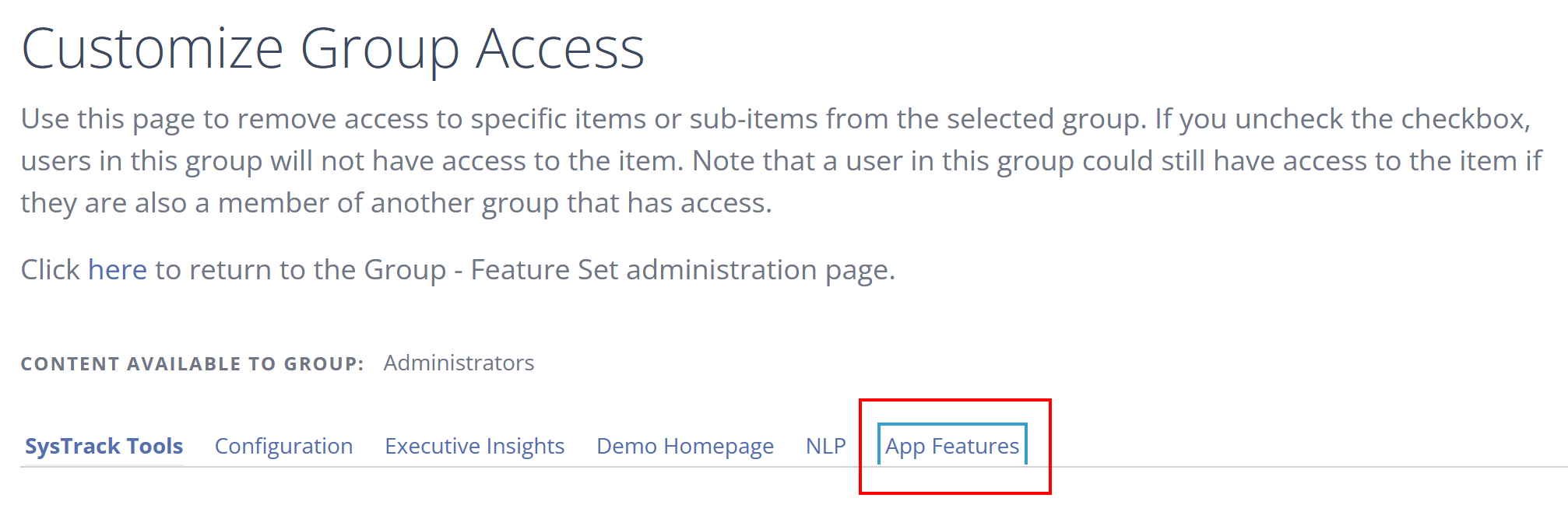
In the next screen, select the App Features tab:
Scroll down to the Configure section where you'll be able to modify permissions for the import and approval of actions:
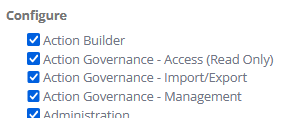
Action Builder: Allow access to the Create Action button.
Action Governance: Access (Read Only): Existing Action Governance permissions become read-only. If you are currently assigned Action Governance as a permission, you would be read-only. You are not able to import or manage permissions if this is selected.
Action Governance - Import/Export: Only allow manual import and export of actions.
Action Governance - Management: Approve, enable, and disable actions that have previously been imported. This also allows the management of Publisher Keys.
Action Approval Control
If you import an action, you cannot approve the same action. Someone else needs to do so for security reasons and in order for there to be control over the process.
By default, you do not have the option to turn this setting off. However, you can request turning it off through your account representative. You will need to provide your tenant ID, tenant name and ask for "Action Approval setting to be disabled." Once the support team verifies all the information, they will be able to turn the setting off.
On This Page